Church website builder
Build your church website in EasyChurchApp from blocks made for churches. When you publish an event, a sermon or a group, it shows on your website without a second step. Use your own domain on any plan.
The website builder and your own domain are included on every plan, including free for up to 10 active accounts. Online giving and AI assistants need a paid plan.
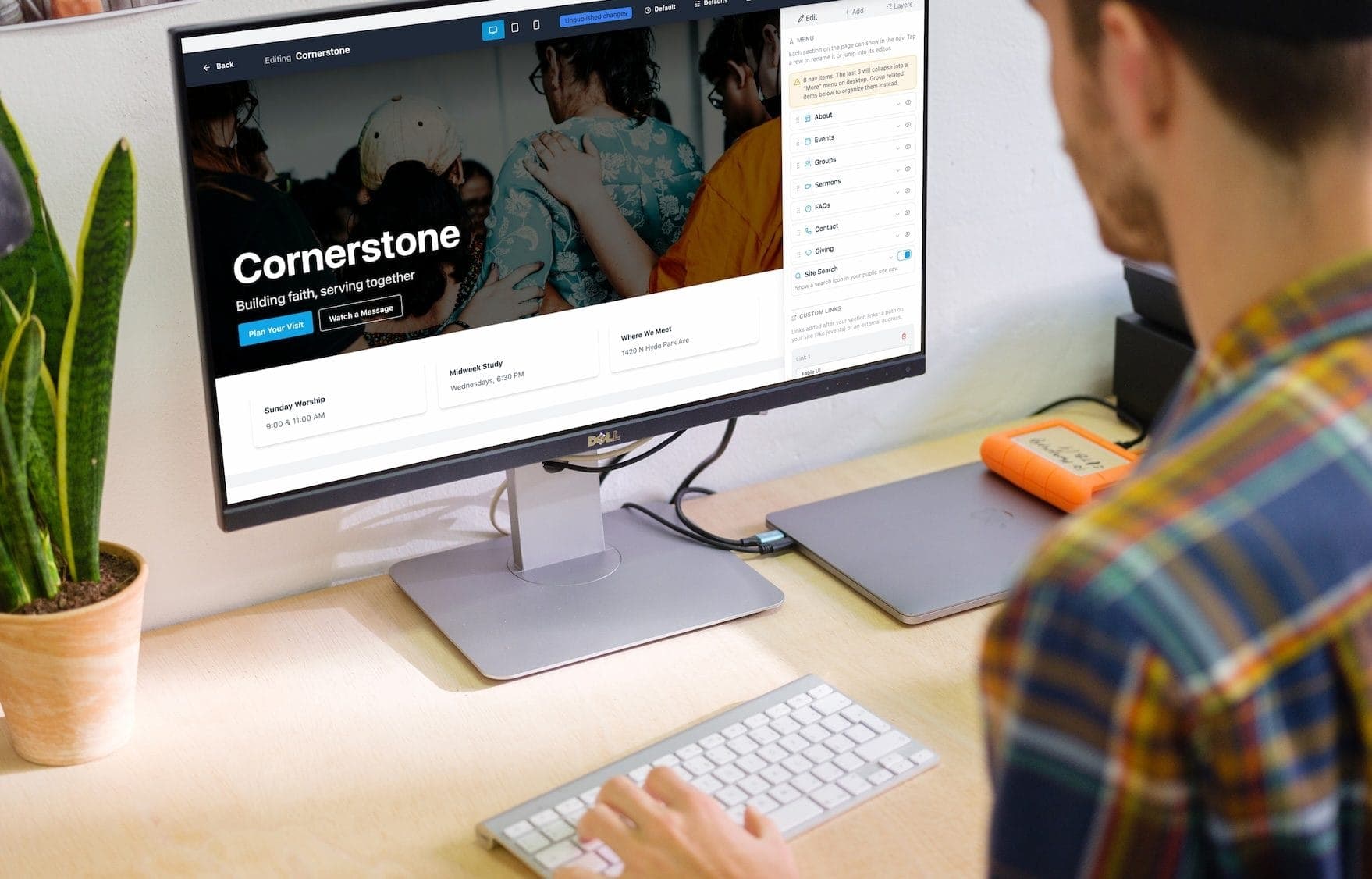
- Blocks for churches: events, groups, sermons, leadership, giving, FAQ, contact
- Events, sermons and groups publish to your site automatically
- Color themes, font pairings and corner styles for the whole site
- Your own domain, with HTTPS, on every plan
- Edit on the page, preview on phone, tablet and desktop
Blocks made for church websites
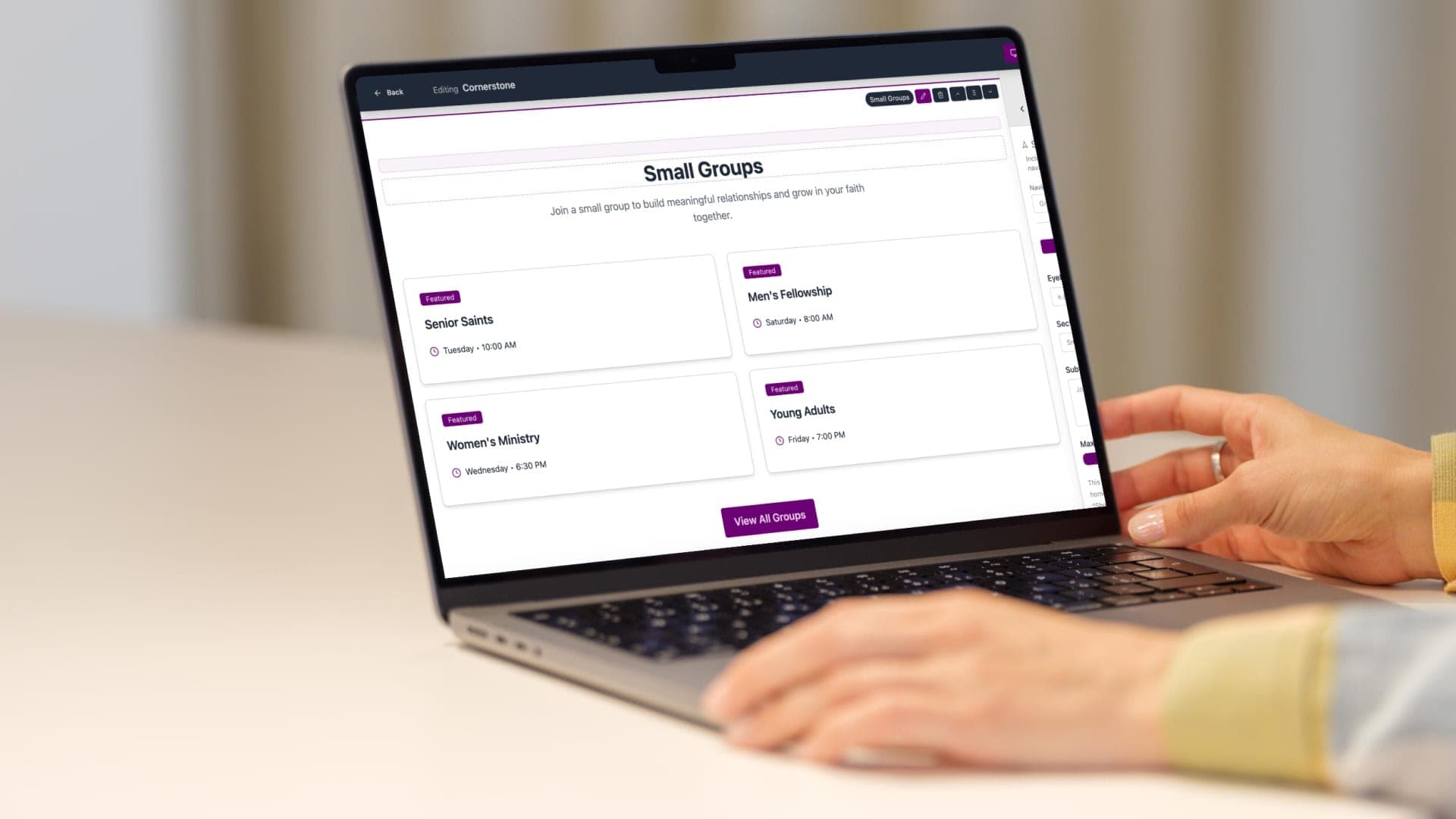
Your home page starts with the sections churches use most: a hero with up to two buttons, about, events, small groups, leadership, watch and listen, FAQs, giving and contact. Hide any of them, reorder them, or add more.
Click a block on the page and its settings open beside it. Changes to a page save as a draft, and visitors see them only when you click Publish.
Add more pages with a starting layout, and put each one in your site menu. Group links under a dropdown like "About".
Events, sermons and groups update your site
The events block shows upcoming events from your calendar. Watch and listen shows the sermons you have published. Each group you publish appears in the groups section, where visitors can open it and contact the leader. Members ask to join from the app.
You keep these up to date in one place, and your website follows. Choose whether your menu scrolls to these sections on your home page or opens each one's own page, and switch at any time.
On a paid plan, YouTube auto-import adds new videos from your channel as sermons.
Make it look like your church
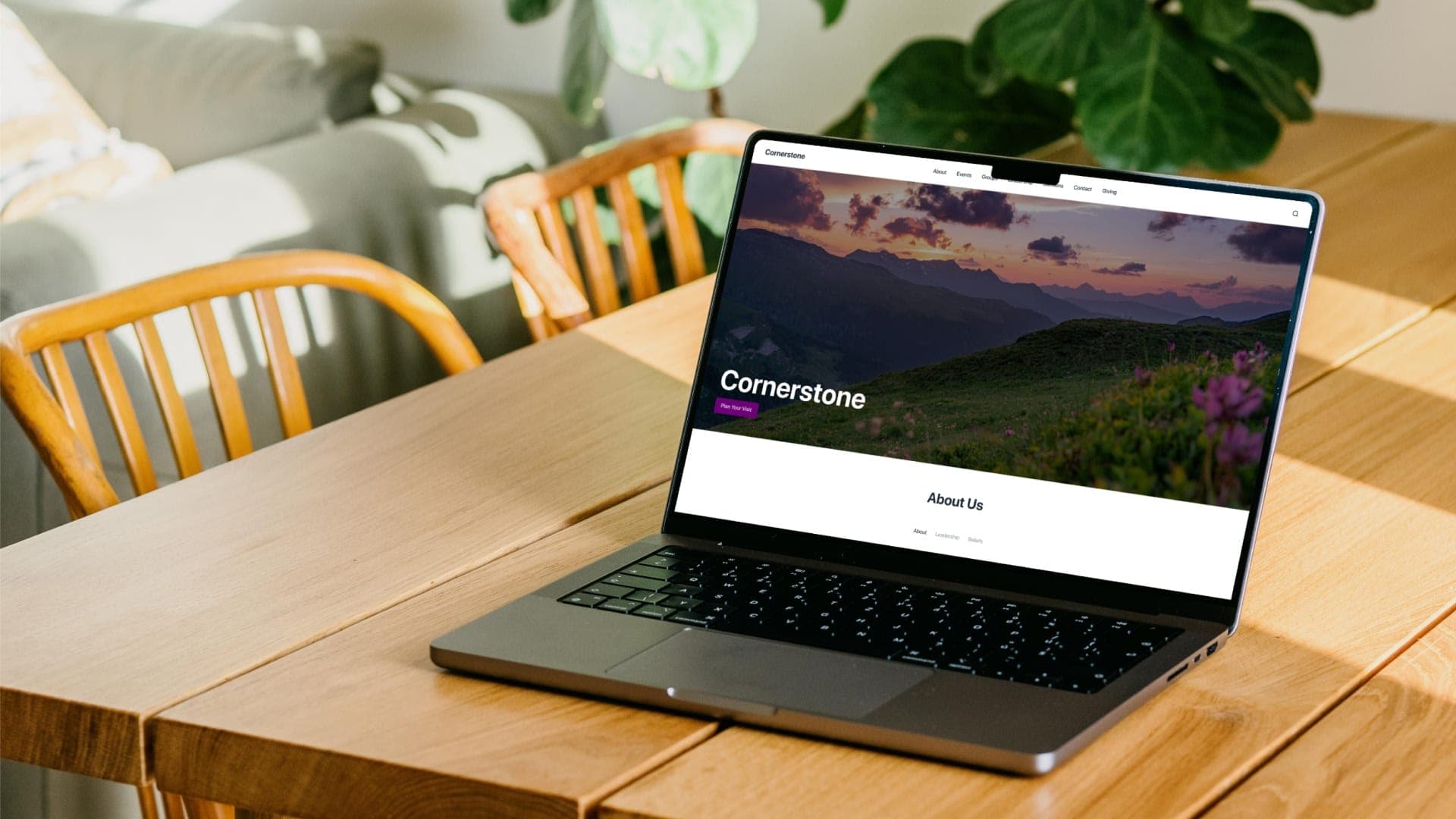
Pick a color theme, a font pairing and corner roundness for the whole site, then fine-tune any of them. Upload your logo and replace the placeholder photos with your own.
Check each page at desktop, tablet and phone widths before you publish.
Your own domain
Your site starts at yourchurch.easychurchapp.com. When you are ready, connect a domain you own, like gracechurch.org, by adding two DNS records where you bought it. HTTPS is set up for you. This works on every plan, including free.
We don't sell domains. Registrars usually charge $12 to $20 a year.
Giving on your website
Turn on online giving on a paid plan and the giving section and Give page show on your site, branded to your church. We take no platform fee; your church pays Stripe's standard rate.
On the free plan, you can point your Give button to the giving service you already use.
Build pages with your AI assistant
On a paid plan, connect the assistant you already use, such as ChatGPT or Claude. Ask it to build a page or add an event, and it asks a few questions before it starts.
You set each area to Off, Read, Draft or Publish. It never sends to your congregation on its own, moves money or deletes anything.
How this information is protected
How EasyChurchApp protects your church’s data- Your public website shows only what you publish. Drafts and scheduled items stay hidden.
- The member directory is only for signed-in members of your church. It is not part of your public website.
- Only admins can change someone's role. Editors run content and member records; members see only what is shared with them.
- Children are never listed in the directory, and children's profiles never appear on your public website.
- Every site is served over HTTPS, including custom domains.
Help articles
- Customize your home pageEdit the hero, reorder sections, swap photos, and shape what visitors see first on your church's public site.
- Add a page and put it in your menuMake a new page for your site, like Plan Your Visit or Kids, and choose what shows in the menu across the top.
- Build a page with sectionsStart a page from a template, then add sections, change how each one looks, and type your own words.
- Show your church's history on a timelineAdd a timeline to a page, from a church history to a building project, and fill it from a list or a spreadsheet.
- Add your custom domainUse yourchurch.org instead of yourchurch.easychurchapp.com. Add the domain in settings, add three DNS records where you bought it, press Verify, and HTTPS sets itself up.
- Upload your church logoReplace the placeholder logo with your real one so your site looks official and matches your printed materials.
- Take photos for your church websiteA phone and one Sunday morning are enough. What to shoot, how to get good light, and how to ask permission.
- Connect an AI assistantLet your own ChatGPT or Claude build pages, add events and answer questions about your church, with you deciding what it may do.
Frequently
asked questions
Is the website builder free?
Yes. It is included on every plan, including free for up to 10 active accounts. Online giving, online event payments, AI assistants, YouTube auto-import, live streaming and WorshipBoard sync need a paid plan, starting at $29 a month.
Can we use our own domain?
Yes, on every plan. Add two DNS records where you bought the domain, and HTTPS is set up for you.
Do we need someone technical to build it?
No. You click a block on the page to edit it, and changes to a page save as a draft until you publish.
Do events and sermons show up on our website automatically?
Yes. When you publish an event, sermon or group, it appears in the matching section of your site.
Will our site say EasyChurchApp on it?
There is a small "Powered by EasyChurchApp" line in the footer. You can turn it off in settings on any plan.
Can we take donations on our website?
Yes, on a paid plan with Stripe connected. We take no platform fee. On the free plan you can link your Give button to another giving service.
Start your church website
Free for up to 10 active accounts, no credit card needed.