Church outreach software for
door-to-door canvassing and tracts
EasyChurchApp helps your church plan door-to-door outreach: draw the area, and it splits the houses into walking routes your members check out from their phone.
You can also design gospel tracts with QR codes and see how often they are scanned. Outreach tools are included on every plan, free plan too.
- Routes built from an area you draw, or your own address list
- Doors in walking order, up one side and back the other
- Members check out a route and log what happened
- Tracts with QR codes you can point somewhere new without reprinting
- Included on every plan
Door-to-door outreach routes, built for you
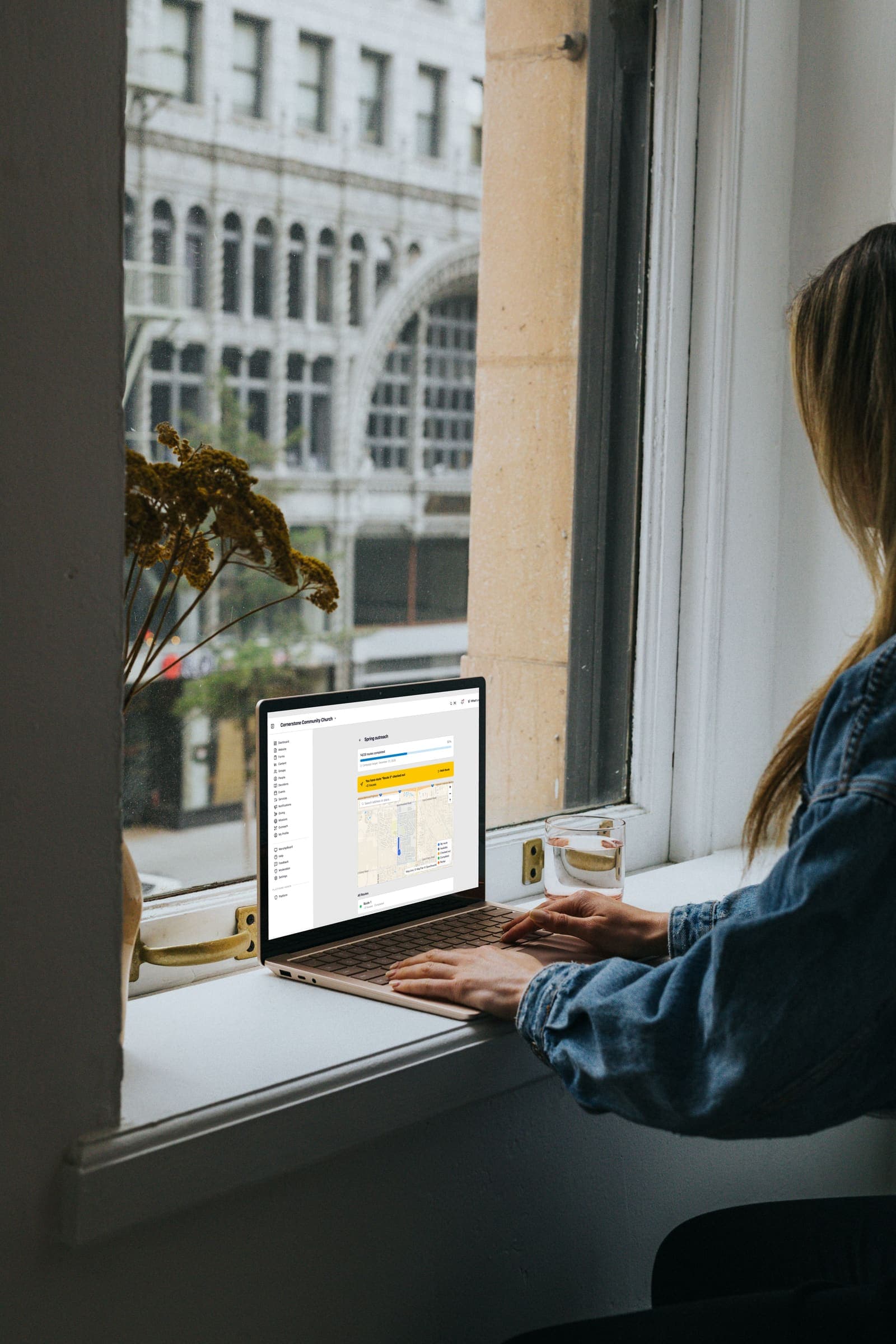
Draw the area you want to cover and pick how long a walk should take, from 15 minutes to an hour and a half, or how many doors it should have.
EasyChurchApp finds the houses, splits them into routes, and puts the doors in walking order, up one side of the street and back down the other. Where homes are far apart, it can make driving routes instead.
Routes are named for their streets and loop back to where they started, so a team can park once.
If you have your own list, like a county address list, upload it as a CSV and each address becomes a stop.
Before you save, you can move houses between routes, merge or delete routes, and leave houses off.
Members check out a route and log results
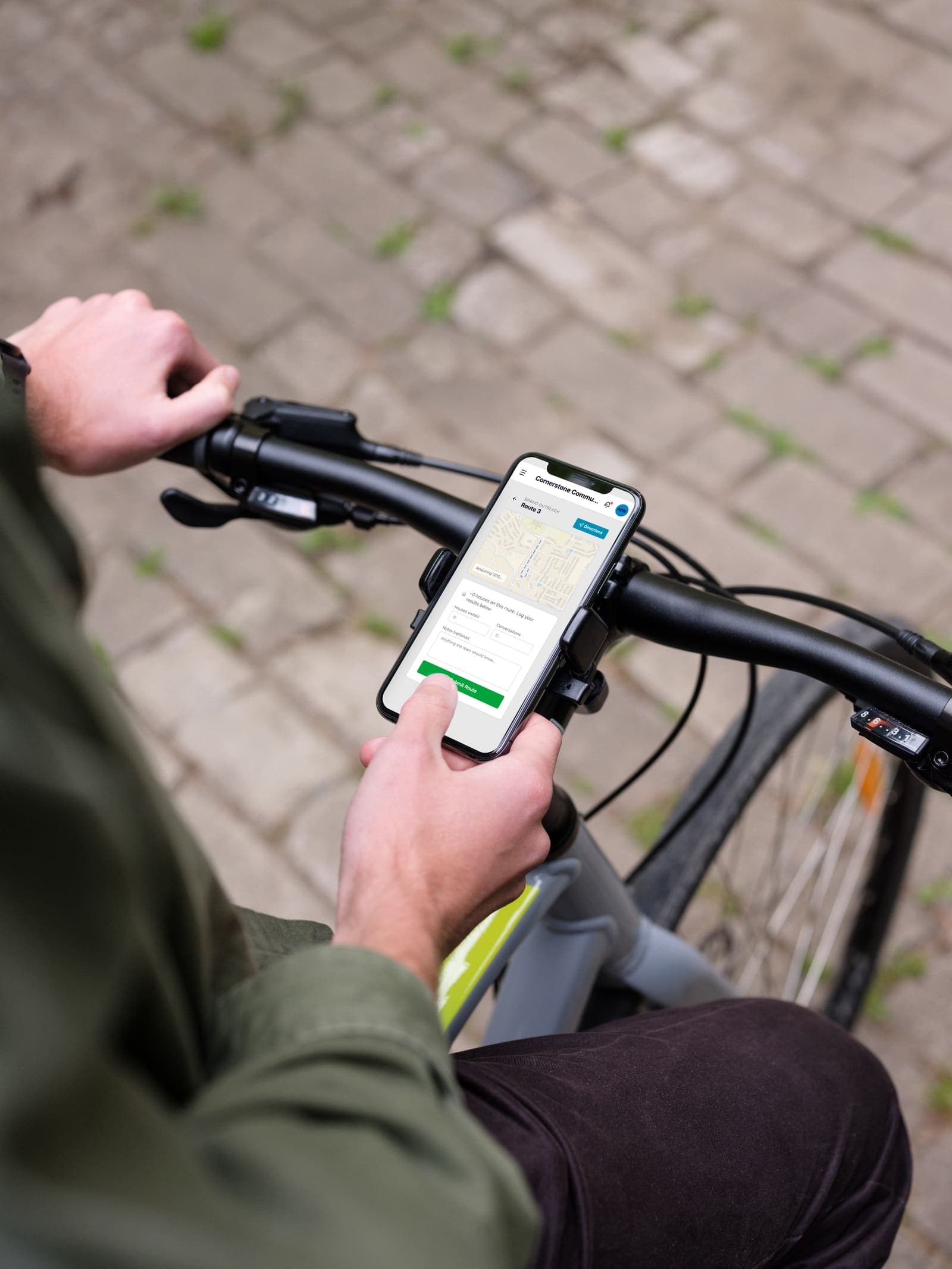
When the campaign is active, members pick up a route from their side of the app and get walking directions.
When they finish, they log how many houses they visited and any follow-up contacts for the church.
You can fix a route after the campaign starts: drop a house, add one the map missed, or flag a house not to visit. You can reorder the walk until someone has walked it.
Gospel tracts with QR codes
Create a tract and it gets a QR code you can download, and a landing page you edit in the page builder.
Design a postcard, door hanger, sticker sheet or bifold and download a print-ready PDF.
You can change where a QR code points at any time, to a tract page, an event, a group or any web address, without reprinting.
The QR code uses your church's own web address.
See how many people scan
QR analytics show how many times each outreach code has been scanned and visited, with a 30-day breakdown.
When you allow it, members can share a tract with their own personal link and earn badges as it gets scanned.
Frequently
asked questions
Can EasyChurchApp plan door-to-door routes?
Yes. Draw an area and it splits the houses into walking routes, with every door in walking order.
Can we use our own address list?
Yes. Upload a CSV, such as a county address list, and each address becomes a stop.
How do volunteers get their route?
Members check out a route from their side of the app, get walking directions, and log the houses they visited when they finish.
Can we make gospel tracts with QR codes?
Yes. Each tract gets a QR code, a landing page and a print-ready card design, and you can change where the code points without reprinting.
Can we see who scanned our QR codes?
You can see how many times each outreach code is scanned and visited, not who scanned it.
Is outreach a paid feature?
No. Outreach is included on every plan, including the free plan for up to 10 active accounts.
Plan your next outreach
Free for up to 10 active accounts. Paid plans start at $29 a month for up to 100.