Church volunteer scheduling
that members can sign up for
EasyChurchApp lets you set up volunteer roles and time slots, and members sign up for open slots on the website or in the mobile app.
Confirmed volunteers are reminded the day before they serve, with an app notification and an email. Volunteer scheduling is included on every plan, including free.

- Roles and time slots, on their own or on an event
- Members sign up for open slots themselves
- An approved pool for roles that need one
- Day-before reminders and please-confirm nudges
- Rotations for weekly services
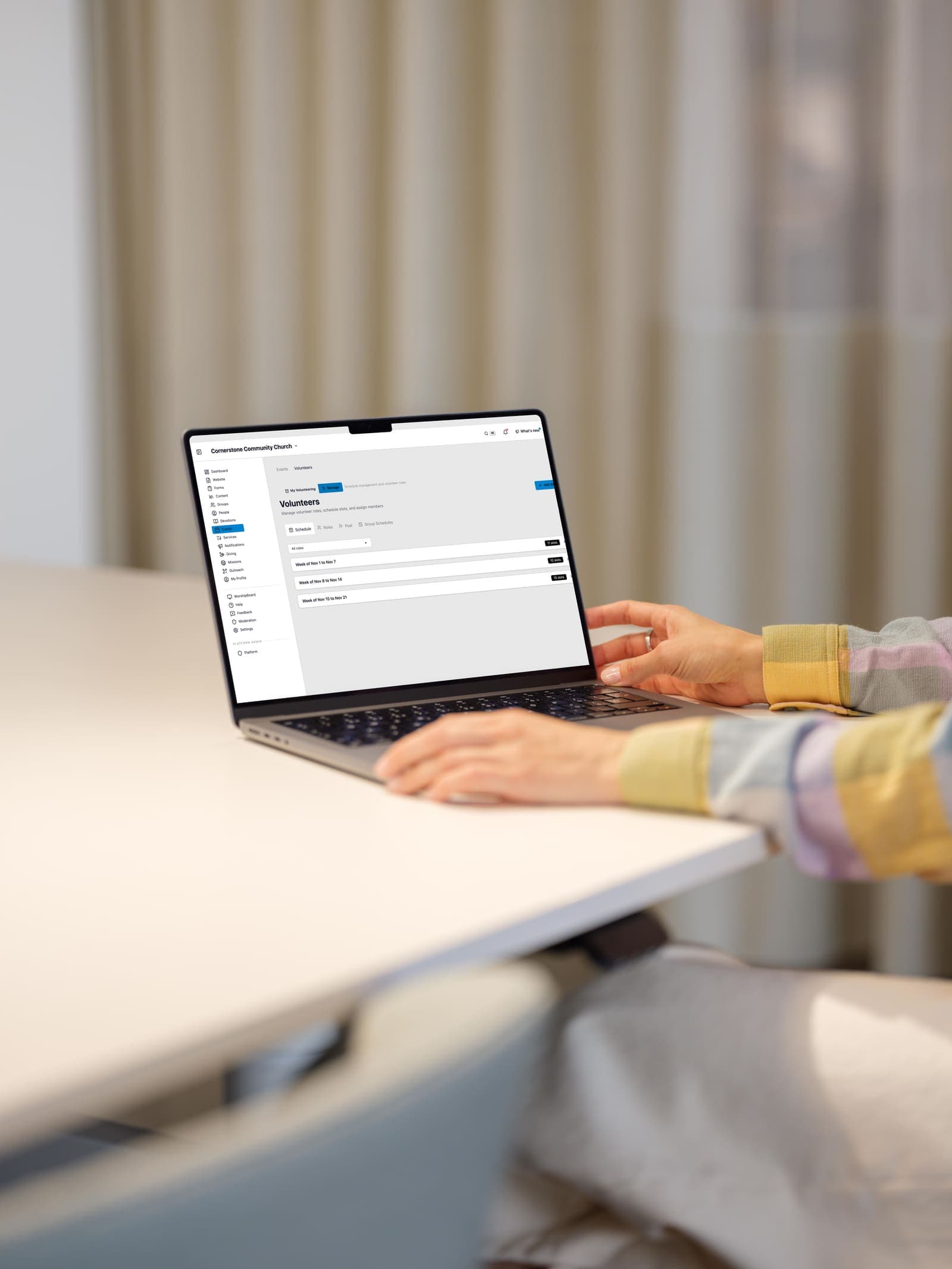
Roles and slots
A role is a job, like Nursery, Sound, Greeting or Parking, with a description that tells a willing person what it involves.
A slot is one occasion of that role, like Nursery this Sunday at 9am, needing two people.
Slots can stand alone or sit on an event, so a workday or a Christmas service carries its own volunteer needs.
Each slot has public notes for anyone thinking of signing up, and instructions only the assigned people see.
Let members sign up for open slots
Members see the open slots and sign up in a tap.
For roles where not just anyone should serve, like children's ministry or counting the offering, make the role an approved pool. Members ask to join, you approve who is in the pool, and you schedule from the people you approved.
When you need one particular person, you can invite them privately from a group's schedule and nudge them if they have not answered.
Volunteer reminders
Anyone confirmed for a slot is reminded the day before they serve.
People you invited who have not answered are asked to confirm or decline in the few days before.
Reminders go out as an app notification and an email, following each person's own notification settings.
Recurring schedules and rotations
Set up a repeating schedule for a ministry group instead of building every week by hand.
For weekly services, the Services page lets you set a rotation for each position, and people are asked a week ahead. You can change how far ahead.
Volunteers can mark the dates they are away, and a team leader can note how often each person wants to serve.
If someone on a service team cannot make it, they can ask another person in that position to cover.
Who can see the schedule
Building and managing the schedule is for your staff, and for team leaders on their own team.
Each volunteer sees their own serving schedule and the plan for the services they are on.
How this information is protected
How EasyChurchApp protects your church’s data- Each member decides who sees their email, phone number, address and birthday: only them, church staff, or all members. Until they choose, it stays private.
- The member directory is only for signed-in members of your church. It is not part of your public website.
- Only admins can change someone's role. Editors run content and member records; members see only what is shared with them.
- Any member can download the information held about them, or delete their account, from their account page.
Frequently
asked questions
Can members sign up to volunteer themselves?
Yes. Members see the open slots and sign up in a tap.
Can we limit who serves in children's ministry?
Yes. Make the role an approved pool: members ask to join, you approve who is in it, and you schedule from the people you approved.
Do volunteers get reminders?
Yes. Confirmed volunteers are reminded the day before by app notification and email, following their notification settings.
Does it handle rotations?
Yes. For weekly services you can set a rotation for each position, and people are asked a week ahead.
Is volunteer scheduling free?
Yes. It is included on every plan, including the free plan for up to 10 active accounts.
Fill this Sunday's slots
Volunteer scheduling is included on every plan, including the free plan for up to 10 active accounts.