A church forms builder
for your website
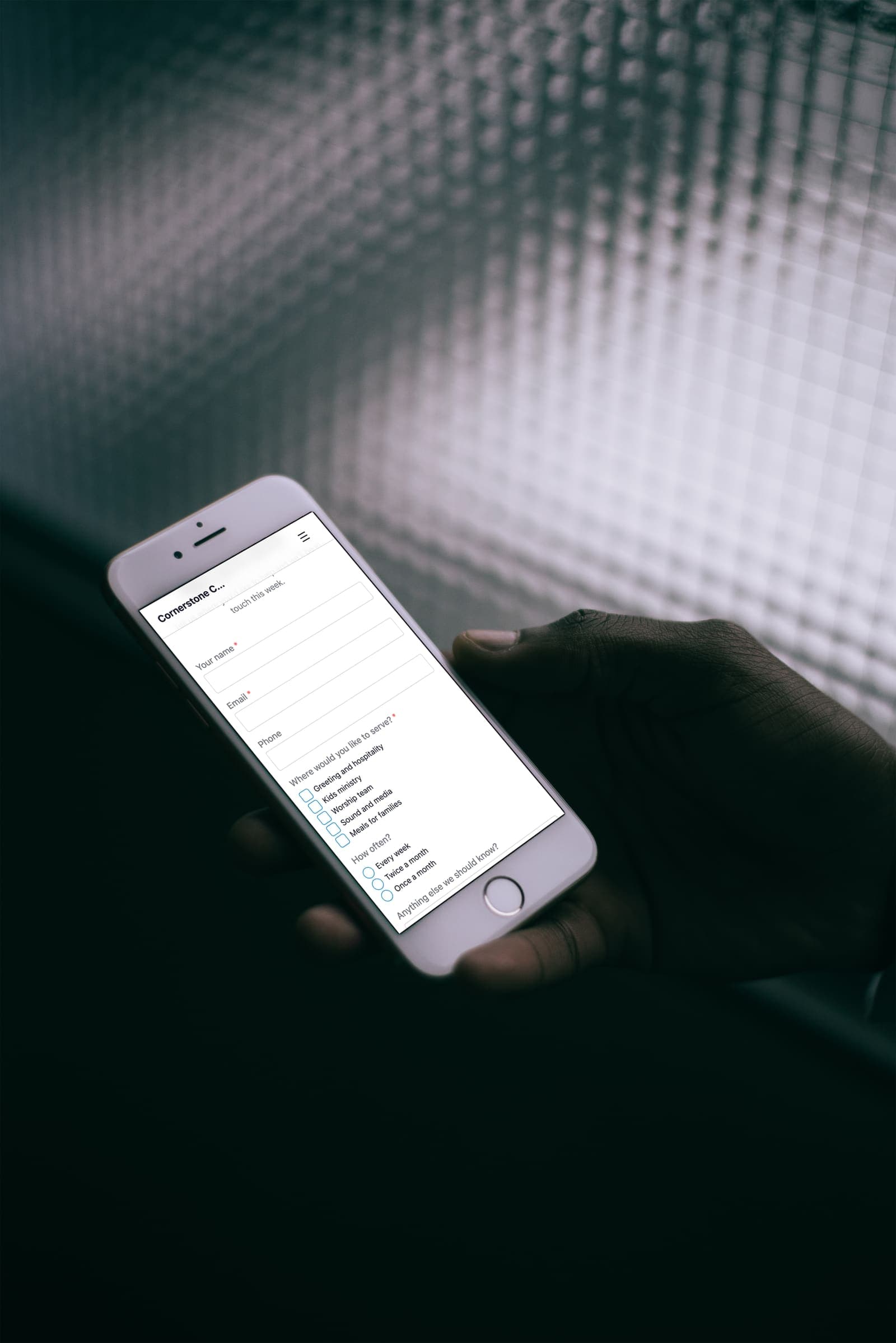
EasyChurchApp has a built-in form builder for contact forms, visitor cards, prayer requests, volunteer sign-ups and anything else your church needs to collect.
You add a published form to any page of your website, and every submission lands in that form's inbox. Forms are included on every plan.

- Drag fields into order and mark them required
- Put a form on any page of your website
- An email to your staff for every submission
- Automatic confirmation email to the person
- Export submissions to CSV
Build a church form
Open Forms in your admin, add the fields you need, drag them into order, and mark which ones are required. Publish it when it is ready.
On a paid plan, a connected AI assistant can draft a form for you to review.
- Short text and long text
- Email and phone
- Dropdown, multiple choice and checkboxes
- Date
Put the form on your church website
Add a Custom Form block to any page in the page builder, and visitors fill it in without leaving your site.
Public forms have a hidden spam trap and limit how often one visitor can submit, so bots do not fill your inbox.
Read and export submissions
Each form has a submissions tab where you read responses one by one, mark them responded, and archive the ones you are done with. You can export all of them to a CSV spreadsheet.
Every new submission is emailed to the address you choose for that form, or to your church's contact email. If the form asks for an email address, you can also send the person an automatic confirmation with your own message.
Messages from your website's contact form land in Forms too, so they sit alongside everything else.
Custom fields on member profiles
For questions you want on every member's profile, like a T-shirt size or a ministry interest, use custom member fields in People. Staff can see custom fields, so they are not the place for private pastoral notes.
Sign-up forms for events
For an event, use the event's own sign-up form instead, which adds capacity, waitlists, permission slips and payment.
How this information is protected
How EasyChurchApp protects your church’s data- Each member decides who sees their email, phone number, address and birthday: only them, church staff, or all members. Until they choose, it stays private.
- The member directory is only for signed-in members of your church. It is not part of your public website.
- Only admins can change someone's role. Editors run content and member records; members see only what is shared with them.
- Any member can download the information held about them, or delete their account, from their account page.
Frequently
asked questions
Can we build our own forms?
Yes. Build forms from Forms in your admin, mark fields required, and publish them.
Can a form go on our website?
Yes. Add a Custom Form block to any page in the page builder.
Where do submissions go?
Each form has its own submissions inbox, and you can export everything to CSV. Each new submission is also emailed to your staff.
Can people get a confirmation email?
Yes. If the form has an email field, you can send an automatic reply with your own message.
Can people pay when they sign up?
For events, yes. Use the event's sign-up form, which can collect payment on a paid plan with Stripe connected.
Collect what you need in one place
Forms are included on every plan, free up to 10 active accounts.