Church event calendar and
registration software
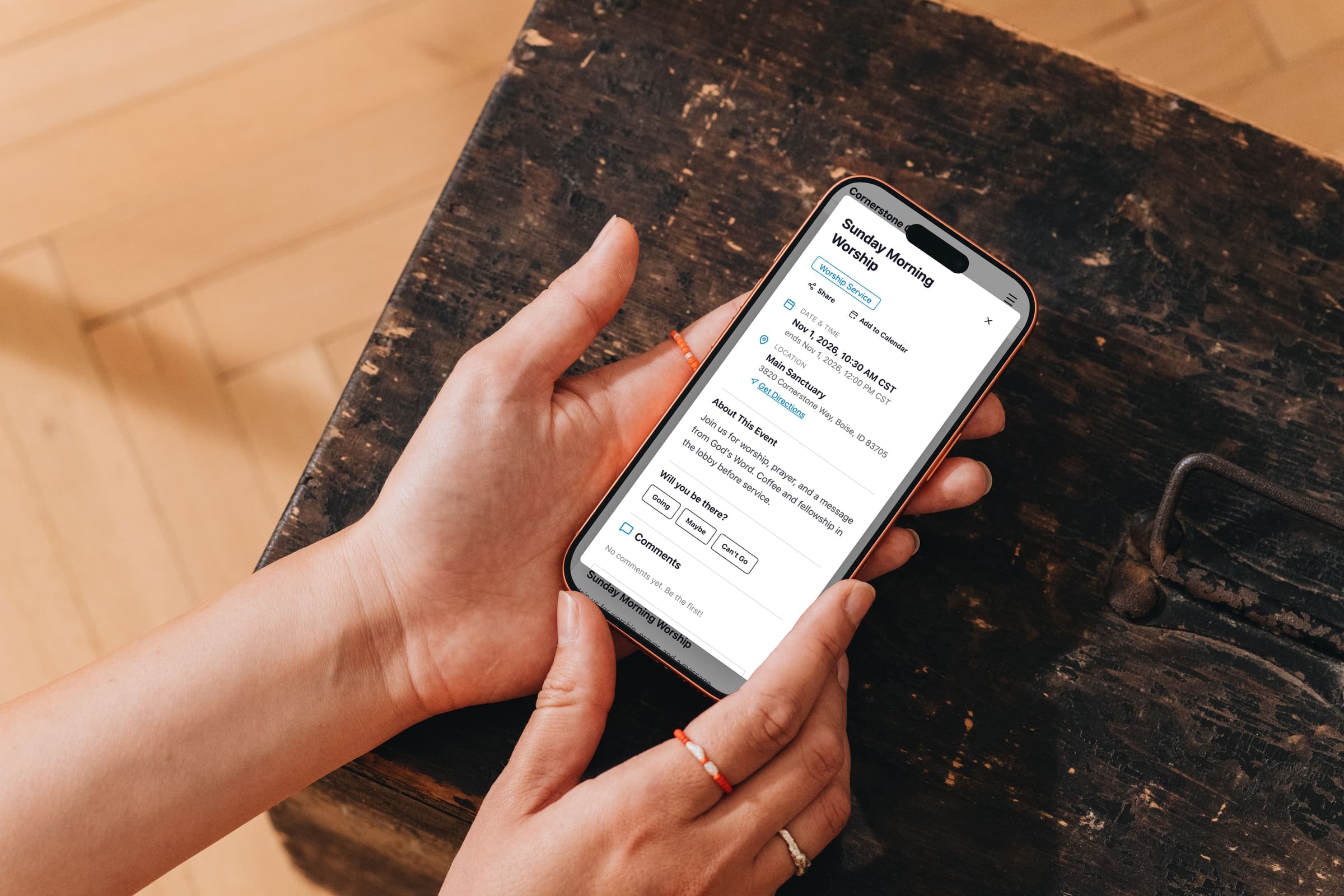
Post an event once in EasyChurchApp and it shows on your website calendar and in the member app. People can RSVP or fill in a sign-up form, and you can set capacity, a waitlist and a deadline.
Events are included on every plan, including free. Taking payment online needs a paid plan.
- One calendar on your website and in the app
- RSVPs, sign-up forms and guest registration
- Capacity, waitlists and deadlines
- Online payment with no cut taken
- Check-in and a spreadsheet export
A church calendar on your website and in the app
Upcoming events appear on your website and in the EasyChurchApp member app.
Your website also publishes a calendar feed people can add to their own calendar app. It carries your one-off events, and members-only events stay out of it.
Set up a recurring event once, including rules like the first Monday of the month, and cancel a single week when you need to.
Members can comment on an event's page.
RSVPs and sign-up forms
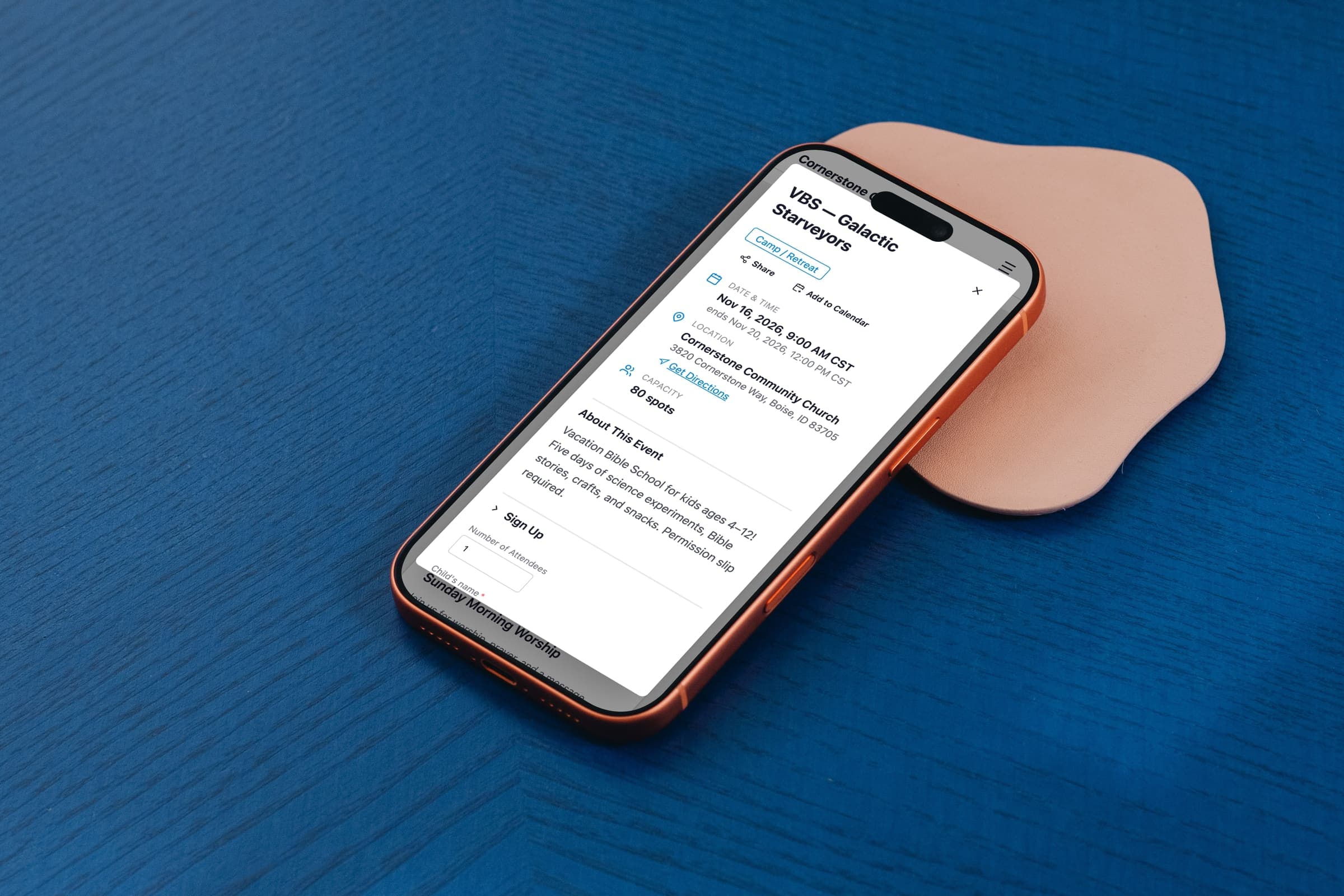
Each event can take no registration, a simple RSVP, or a sign-up form with the fields you need, such as a child's age, T-shirt size or allergies.
Turn on guest registration and visitors can sign up with just a name and email, without making an account.
Set a capacity, and with a waitlist the people after that number join a queue that moves up automatically when someone drops out.
You can close sign-ups at a deadline, and require a permission slip with your own release wording, which a parent signs by typing their name.
Collect payment for camp, VBS or a conference
On a paid plan with Stripe connected, you can charge for registration, and the payment goes to your church's Stripe account.
EasyChurchApp takes no cut of event payments.
You can also just show a cost line, like "Free will offering", and take payment at the door.
Check people in and see who registered
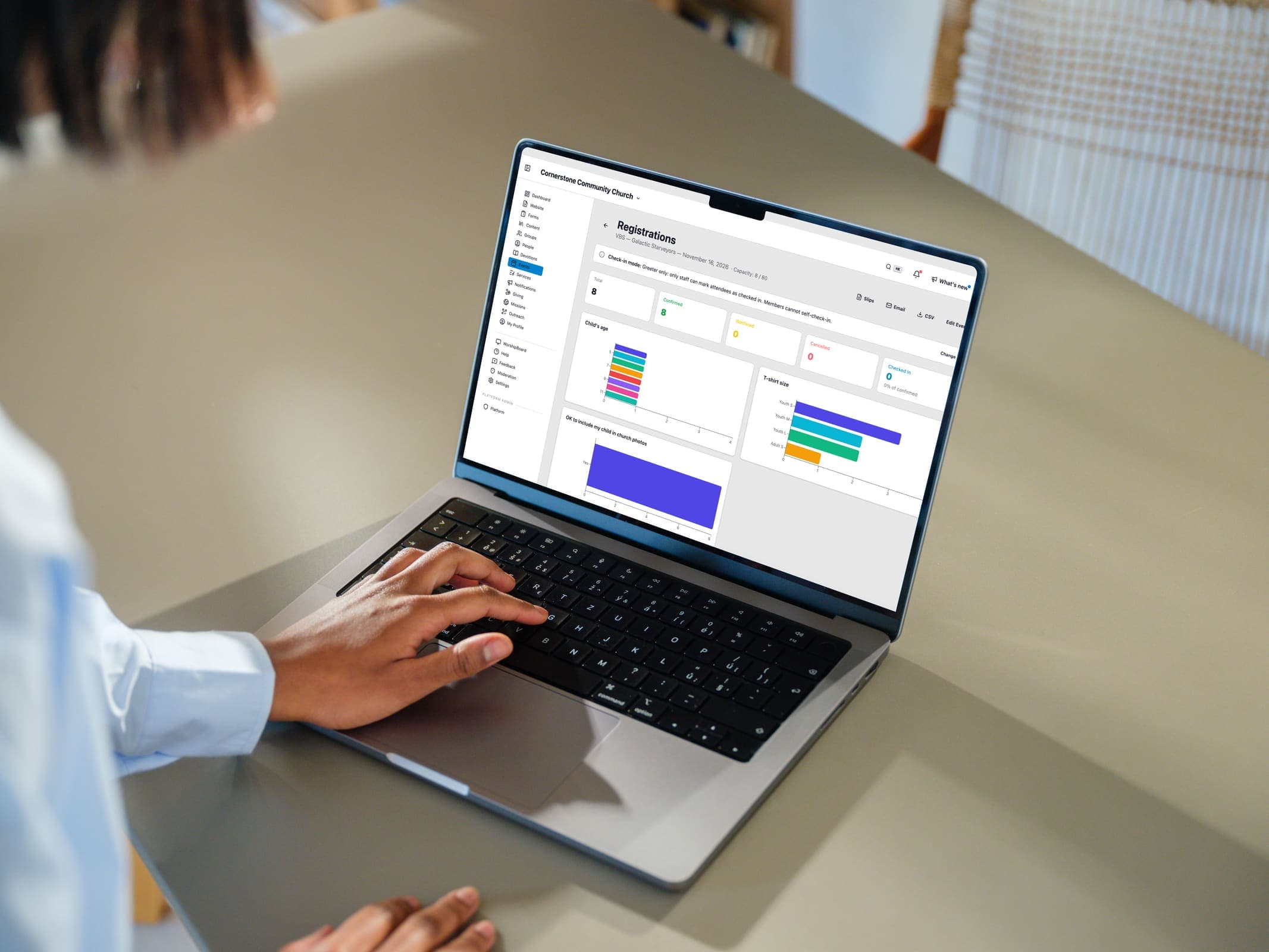
Check people in from the event's registrations page, and the time is recorded.
The same page counts who has registered, who is on the waitlist and who has checked in.
Export every registrant, with their form answers, to a spreadsheet.
Event pages and scheduled publishing
Build a full landing page for an event with the page builder.
Events can be drafts, scheduled or published, so you can prepare Easter weeks ahead and set it to go live on a date you choose.
Duplicate a past event to start the next one, and the original keeps its registrations.
If you take sign-ups somewhere else, add the link and the event gets a button that goes there.
Events can also carry volunteer slots. The event's landing page shows how many spots are filled, and members sign up from their Volunteers page.
A potluck can carry a food sign-up: you list what's needed, people sign up to bring a dish, and everyone can see what's already coming.
How this information is protected
How EasyChurchApp protects your church’s data- Each member decides who sees their email, phone number, address and birthday: only them, church staff, or all members. Until they choose, it stays private.
- The member directory is only for signed-in members of your church. It is not part of your public website.
- Only admins can change someone's role. Editors run content and member records; members see only what is shared with them.
- Any member can download the information held about them, or delete their account, from their account page.
- Children are never listed in the directory.
- A child's profile is seen by their parent and church staff, and by the leaders of a group or event check-in the child is part of.
Help articles
- Publish your first eventThe fields that matter, the ones you can skip, and the difference between saving an event and putting it in front of anyone.
- Take registrations and paymentsRSVP, full signup forms, guests without accounts, waitlists, permission slips, and charging for a seat.
- Run a potluck sign-upA menu on the event, people sign up to bring something, and everyone can see what's already coming.
- Recurring services and meetingsSet up Sunday once instead of fifty-two times, including "first Monday" style rules and how to cancel a single week.
- Let members subscribe to your calendarYour events publish an iCal feed, so members can have your calendar appear inside their own, and stay current without doing anything.
Frequently
asked questions
Can visitors register without an account?
Yes. Turn on guest registration on a sign-up form event and anyone can register with a name and email.
Can we charge for event registration?
Yes, on a paid plan with Stripe connected. Payment goes to your church's Stripe account and EasyChurchApp takes no cut.
Is there a waitlist?
Yes. Set a capacity and turn on the waitlist, and people move up automatically when someone drops out.
Can we check people in?
Yes. Check people in from the event's registrations page, and the time is recorded.
Can members add our events to their own calendar?
Yes. Your website publishes a calendar feed people can subscribe to. It carries your one-off events, and members-only events stay out of it.
Do we have to recreate weekly events?
No. Set up a recurring schedule once, including rules like the first Monday of the month.
Put your next event on the calendar
Events are included on every plan, including the free plan for up to 10 active accounts.