A church app for your members
on iPhone and Android
The EasyChurchApp member app is on the App Store and Google Play today. Members sign in with the same email and password they use on your church website.
The app is included on every plan, including the free plan for up to 10 active accounts.
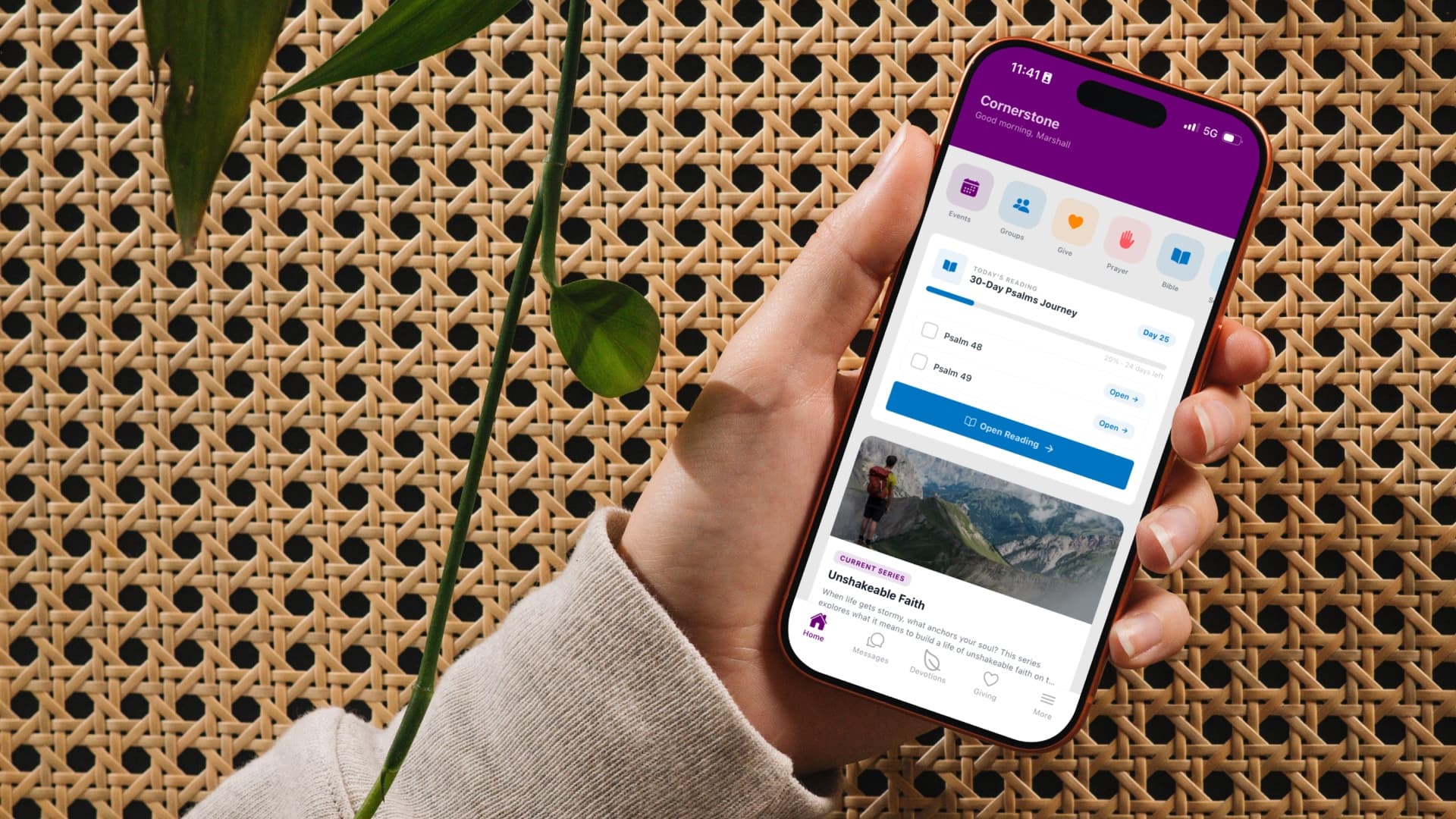
- Groups, events, sermons and prayer
- A church directory members control
- Push notifications
- Bible reader, reading plans and memory verses
- Included on the free plan
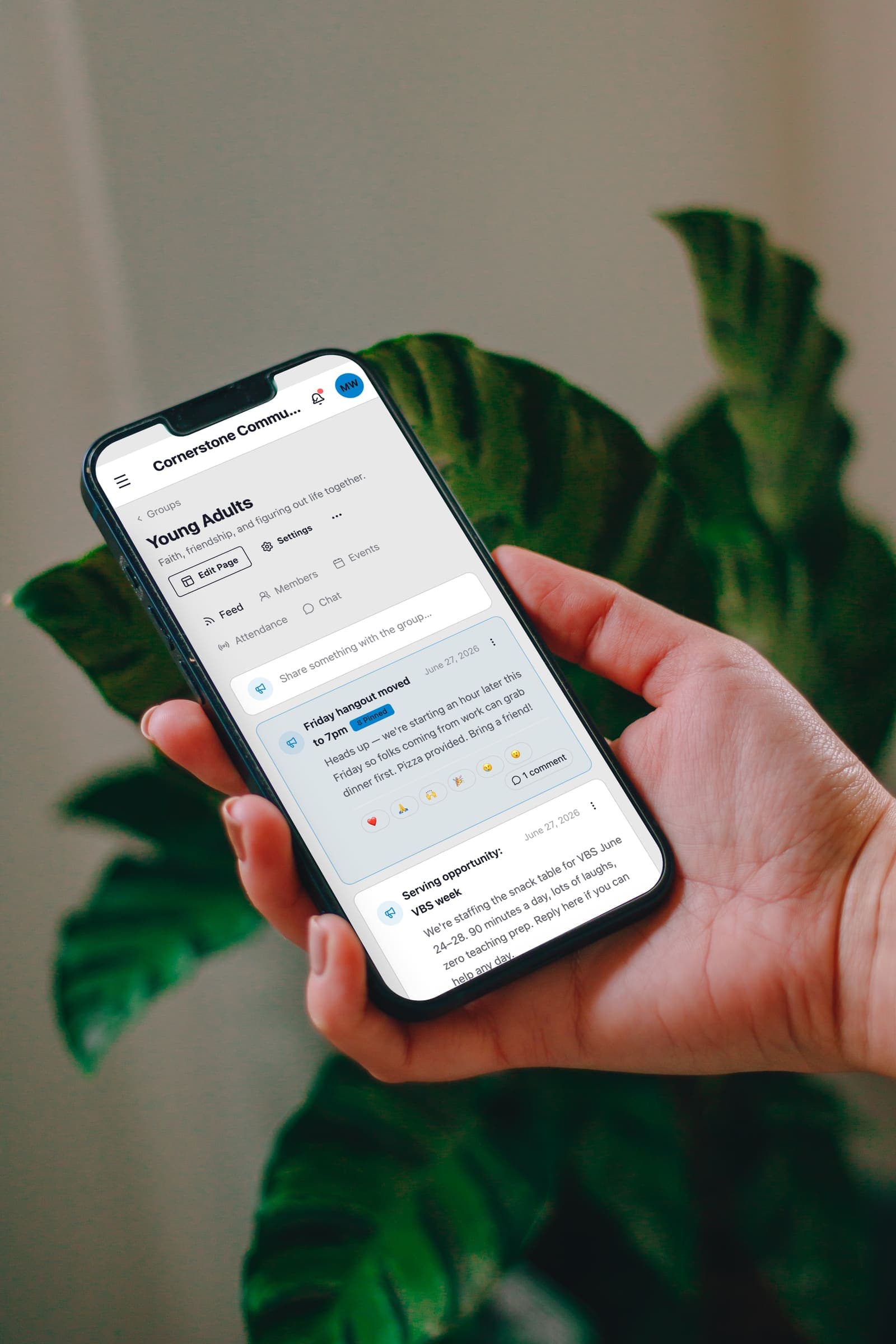
What members can do in the church app
Here is what a member can do in the iPhone and Android app today:
- Join groups, read the group feed, and talk in group chat.
- See upcoming events and RSVP or register.
- Catch up on sermons and series.
- Share prayer requests and pray for others.
- Look someone up in the church directory.
- Sign up to volunteer and see their serving schedule.
- Add their children to their own profile.
- Send direct messages to other members.
Push notifications for your church
When you send an announcement, it reaches members by email and as a push notification to anyone with the app and notifications on.
Group leaders can send to their own group.
When someone is invited to serve on a Sunday team, they can accept or decline right from the notification.
A church directory members control
The directory is only for signed-in members and never appears on your website or in search engines.
Each member chooses who can see their email and their phone number: only them, church staff, or all members. The default is private.
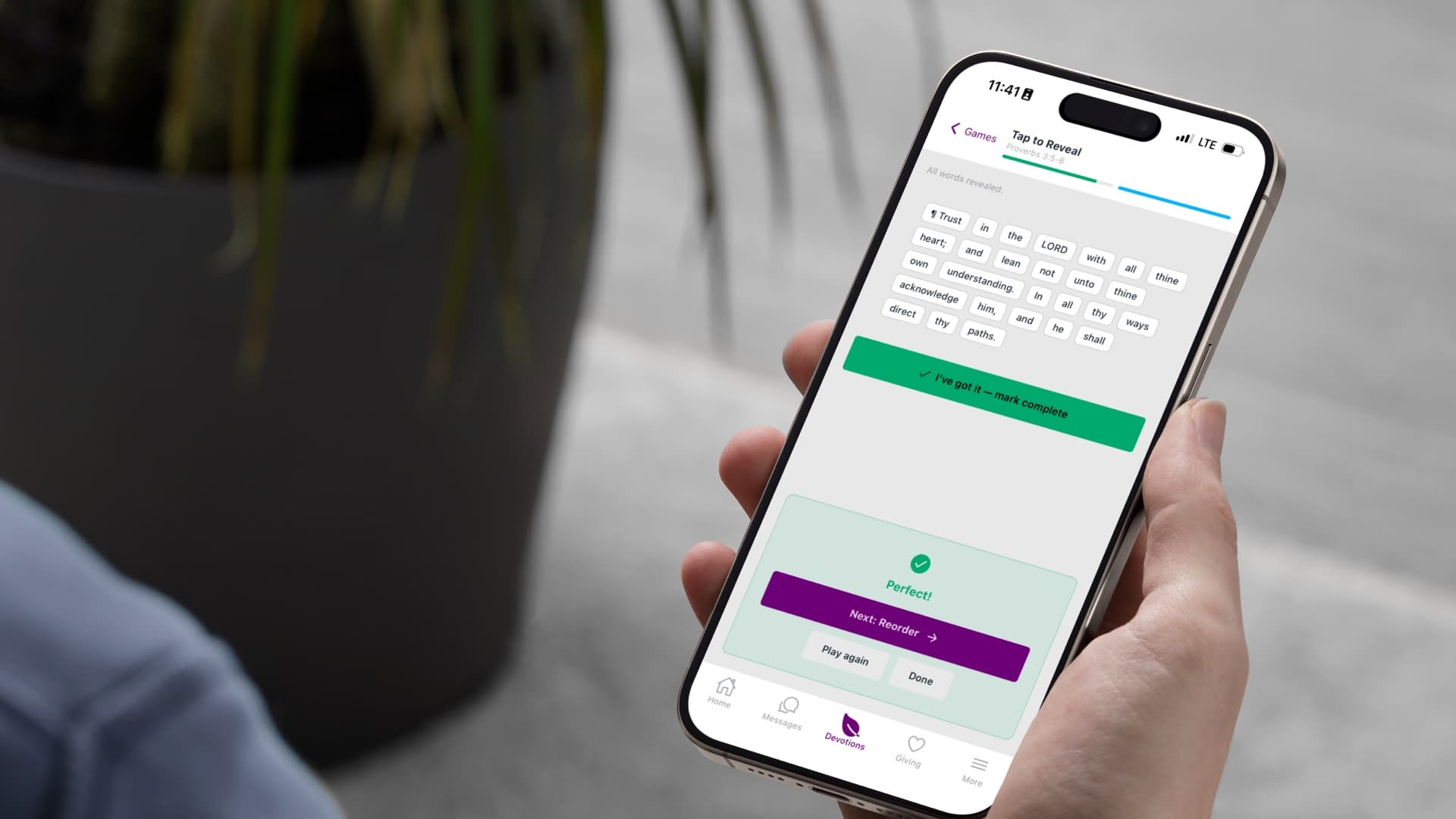
Bible reading and memory verses
Members can read the Bible, follow a reading plan your church or their group set up, and check off each day.
They can practice memory verses with four built-in games.
Giving from the app
Tapping Give opens the phone's browser, the way Apple requires, and the gift still lands on the giver's record.
Online giving is on paid plans.
Blocking, reporting and moderation
Members can block someone, or report a message, a prayer request or another member, and reports go to a moderation page for your staff.
Profanity is filtered automatically when someone sends a direct message, a group chat message or a prayer request from the app.
Your church's own app is coming
A version of the app with your church's name, icon and colors in the app stores is coming.
It is published under your church's own Apple developer account. We are building it with a small group of churches first, and you can ask for yours.
Download the app
Search for EasyChurchApp in the App Store or on Google Play, then sign in with the email and password you use on your church website.

Google Play and the Google Play logo are trademarks of Google LLC.
How this information is protected
How EasyChurchApp protects your church’s data- Each member decides who sees their email, phone number, address and birthday: only them, church staff, or all members. Until they choose, it stays private.
- The member directory is only for signed-in members of your church. It is not part of your public website.
- Only admins can change someone's role. Editors run content and member records; members see only what is shared with them.
- Any member can download the information held about them, or delete their account, from their account page.
- Children are never listed in the directory.
- A child's profile is seen by their parent and church staff, and by the leaders of a group or event check-in the child is part of.
Help articles
- Get the app on your phoneEasyChurchApp is on the App Store and Google Play. Here is how to point your members at it and what to do before you announce it.
- Turn on notificationsHow members switch on push notifications, why some never see the prompt, and what actually gets sent.
- Why giving opens a browserTapping Give in the app opens your phone's browser instead of staying in the app. That is deliberate, and the gift still counts toward the giver's record.
Frequently
asked questions
Is there an EasyChurchApp mobile app?
Yes. The member app is on the App Store and Google Play.
Do members need a separate login for the app?
No. They use the same email and password they use on your church website.
Can members give in the app?
Tapping Give opens the phone's browser, the way Apple requires, and the gift still counts on the giver's record. Online giving is on paid plans.
Who can see the member directory?
Only signed-in members. Each member decides who sees their email and phone, and the default is private.
Is the member app free?
Yes. It is included on every plan, including the free plan for up to 10 active accounts.
Start free, then send your members the app
The free plan covers up to 10 active accounts, and the app comes with it.