Church live streaming
from one stream key
Send your service to your website, YouTube, and Facebook from the streaming software you already use.
EasyChurchApp gives your church one server and stream key, sends the stream to the places you add, shows Live now on your website, and tells your admins if a destination isn't receiving. You keep OBS, vMix, or another encoder for production.
Included on every paid plan, from $29 a month for 11 to 100 active accounts. On the free plan, add Media.
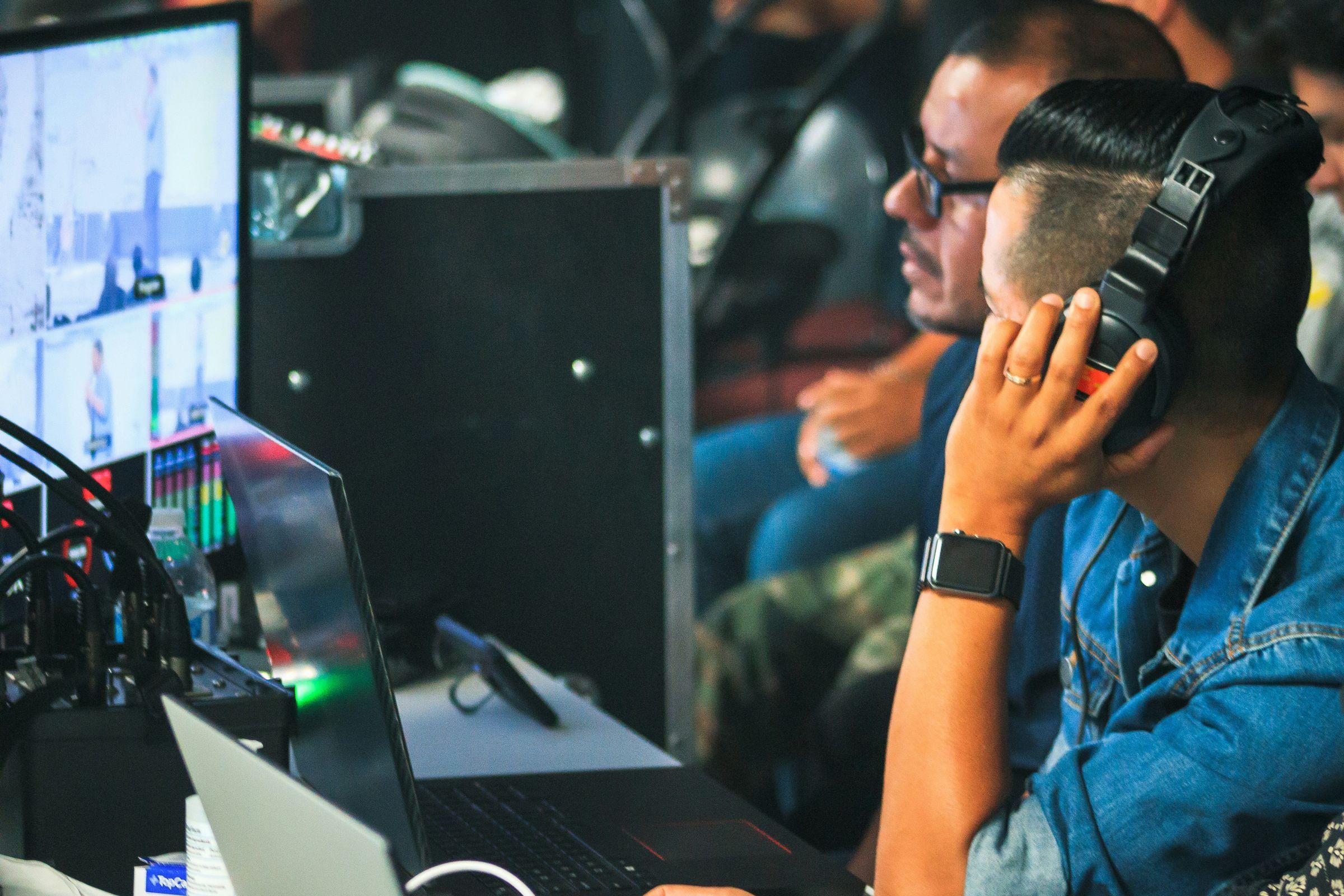
- Keep the software you already use
- YouTube and Facebook at once
- Live now on your website
- Alerts when a destination isn't receiving
How to get your church livestreaming
Four links, and how they connect
You know what a livestream looks like from the pew. Here is what has to happen behind it, one link at a time, so you can tell your tech team exactly what you need.
Start with the room
What you're really sending is your Sunday service
A livestream starts with the service you already hold. Everything else is the chain that carries its picture and sound from the room to a screen somewhere else. There are four links in that chain.
Link 1
A camera, and a way to get its picture into a computer
Almost any camera can do it, even a phone. What matters is getting the picture, and the sound from your mixer, into a computer. That can be a switcher like an ATEM Mini or a capture card. A phone can skip the computer entirely with an app like Larix.
Link 2
Software that turns it into a stream
The program that does this is called an encoder, and OBS and vMix are common ones. It packages the picture and sound so the internet can carry them, then sends them out with a stream key, which works like a password that says which church the stream belongs to.
Links 3 and 4
An internet connection, and somewhere to send it
Your upload speed matters here, not your download speed, and a cable is steadier than Wi-Fi. On the far end, a place people watch, called a destination, like YouTube or Facebook, receives the stream and shows it live.
The catch
Every place wants its own key
YouTube gives you one key, Facebook gives you another, and any other site you add gives you one more. Sending to all of them from your own computer means a separate copy of your service leaves the building for each, and one more thing to set up and watch every Sunday.
The turn
Send it once, and we send it on
With EasyChurchApp you send one stream, with one key, to us. We pass it on to each place you add, and your website shows Live now. You set it up once.
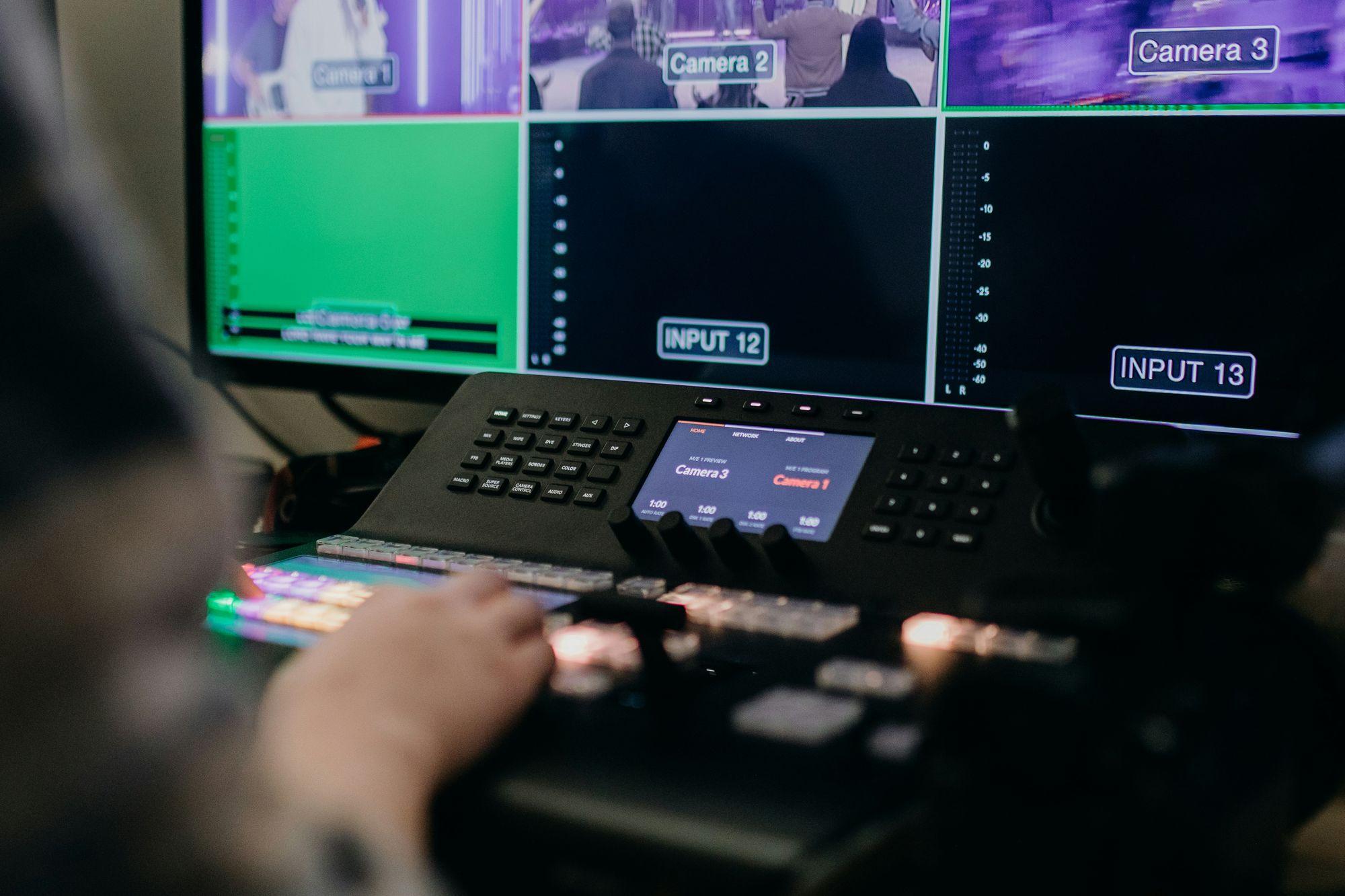
Set it up once, and Sunday is one button
The hard part happens one time, at a desk, not in the booth on a Sunday morning. Open Settings → Live streaming, click Set up live streaming, and copy the server and the stream key into your streaming software as a custom RTMP (or SRT) destination. In OBS that's Settings → Stream → Service: Custom. In vMix it's the cog next to Stream → Custom RTMP Server.
Then tell EasyChurchApp where the stream goes. Add YouTube with its default stream key and Auto-start turned on, a Facebook Page with a persistent stream key, or another site that takes RTMP, like Vimeo or a second campus. You paste each place's key in once.
After that, Sunday is one button. Press Start Streaming in your software. Within a few seconds, Settings → Live streaming shows Live now, and each destination shows Sending. When the service ends, press Stop Streaming.
Your own website goes live with you
While you stream, your church website shows a Live now banner and plays the service in your live-stream section, so a visitor doesn't have to hunt for it on another site. By default it plays your YouTube stream, so YouTube needs to be one of your destinations and your YouTube channel ID needs to be in Church Details. In the first minute or so, before YouTube has the video ready, the website shows an Open in YouTube button instead of the player.
With Media, your website plays the service in EasyChurchApp's own player instead, with no YouTube ads or suggested videos.
When something goes wrong, you hear first
Streams usually fail in small ways, and the worst way to find out is from the congregation. EasyChurchApp tells your church's admins, in the app and by email, when:
- a destination isn't receiving, about a minute after you go live (often a reset YouTube key, Auto-start turned off, or a Facebook key that wasn't persistent);
- your stream reports an error, usually a setting in your streaming software;
- your stream stopped after only a few minutes, in case that wasn't on purpose (in the app only).
If EasyChurchApp can't reach a destination at all, Settings → Live streaming shows that site's own server and key, so you can point your software straight at it for that service. A saved OBS profile or a second vMix destination, left unticked, makes that a one-click switch.
Your stream key works like a password: anyone who has it can stream as your church. If it ever gets out, open Settings → Live streaming and click Reset stream key (not while you're live), then paste the new key into your software. Your destinations stay as they are.
You keep the booth
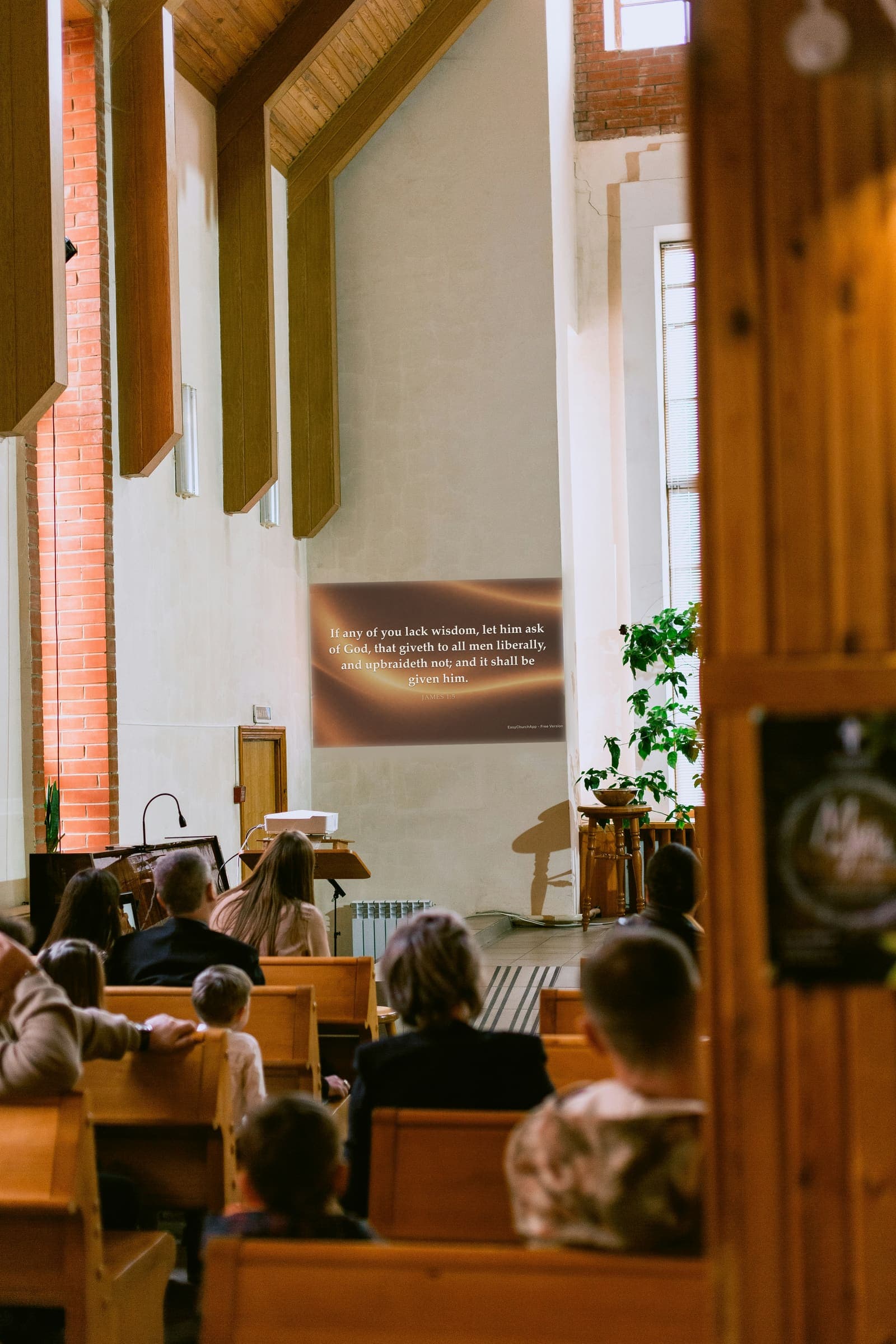
EasyChurchApp is the delivery, not the production. It doesn't mix cameras, graphics, or sound. You keep OBS, vMix, Wirecast, an ATEM Mini, Larix on a phone, or whatever you already run, so you can change your booth without changing how your stream is delivered, and the other way around.
If you use WorshipBoard, it can feed your stream too. It sends lyrics, Scripture, and broadcast cards over your network with NDI, so OBS, vMix, and most streaming apps pick them up like a camera, without a capture card. Its Lower Third output lays lyrics over a camera shot on a transparent background.
WorshipBoard can also switch OBS scenes when a slide goes live or clears. You still start and stop the stream in OBS.
What it costs, in plain numbers
Live streaming comes with every paid plan, from $29 a month, with nothing extra to buy. On the free plan, it comes with Media. Every paid plan includes:
- One server and stream key for your encoder that stay the same every week
- Two places at once, for example YouTube and Facebook
- Live now on your website, playing your YouTube stream
- The alerts described above
- 25 hours of streaming a month. Past that you get one email; at 40 hours EasyChurchApp stops sending until the 1st, so a leaked stream key can't run up a bill
- A single stream that runs 4 hours without stopping is stopped, in case streaming software was left running. A normal service is never stopped partway through
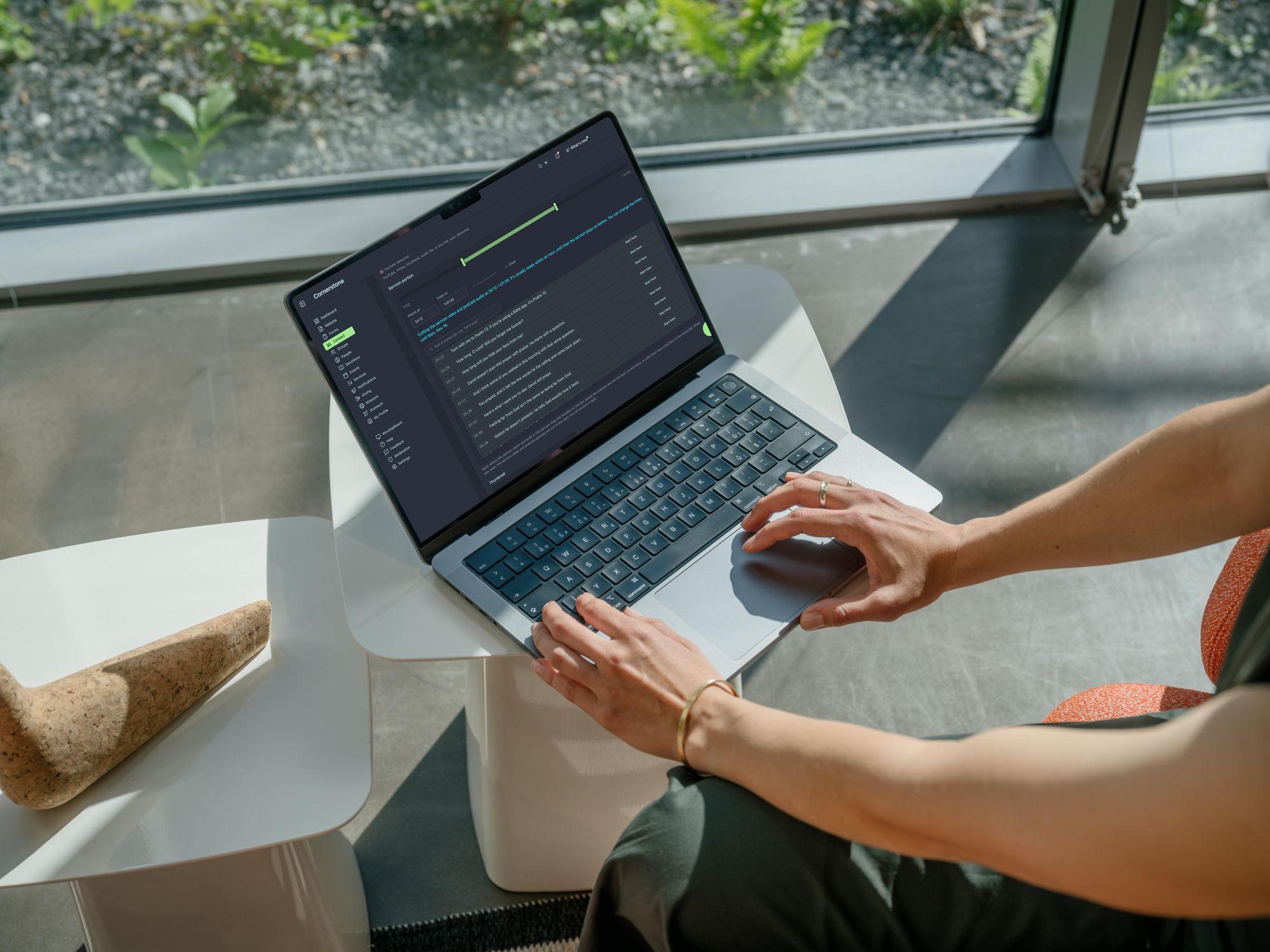
Add Media for your own player and sermons that save themselves
Media is an add-on for $60 a month, billed yearly at $720, on any plan, the free one included. On the free plan it's how you get live streaming. Every service you stream is saved to Sermons as a draft with a transcript; you mark where the sermon starts and ends and publish.
- EasyChurchApp's own website player, with no ads, for up to 150 people at once
- 10,000 minutes watched a month on that player; past that, your website shows your YouTube stream until the 1st
- Up to five places at once
- 120 hours of streaming a month
- 1 TB of storage for recordings, sermons, and the rest of your church's media
- Media Plus, $110 a month billed yearly at $1,320: 3 TB, 25,000 minutes, 400 people at once, and seven places
Coming soon: a streaming app
We're building a desktop app for your streaming computer. It signs in with your church account, so your server and stream key are filled in for you, and it shows whether each destination is receiving.
There's no date yet, and nothing to download today. Leave your email and we'll tell you when it's ready.
Help articles
- Live stream your servicesSet up OBS, vMix or any streaming software with EasyChurchApp once, and every service goes to YouTube, Facebook and your website.
- Turn your live stream into a sermonWith Media, every service you stream is saved as a draft sermon with a transcript. Mark where the sermon starts and ends, and publish.
- Put WorshipBoard in your livestream (vMix, OBS and others)Send WorshipBoard's lyrics and slides to vMix, OBS or any streaming software over NDI, with no capture card, and let WorshipBoard switch OBS scenes for you.
Frequently
asked questions
Does EasyChurchApp include live streaming?
Yes, on every paid plan, from $29 a month. On the free plan, live streaming comes with Media.
Do we need OBS or vMix?
You need some streaming software or encoder. EasyChurchApp is the delivery side: the server, the key, the destinations, Live now on your website, and the alerts. OBS, vMix, Wirecast, an ATEM Mini, and Larix are common choices.
Where does the stream go?
To the places you add in Settings → Live streaming: YouTube, a Facebook Page, or any site that takes RTMP, like Vimeo or a second campus. Two at once on every paid plan, five with Media, and seven with Media Plus. YouTube is the usual first one, so your website can show the stream.
Will our website show that we're live?
Yes. While you stream, your site shows a Live now banner and plays the service from your YouTube stream once the channel ID is set in Church Details, or in EasyChurchApp's own player with Media.
What if a destination doesn't receive the stream?
EasyChurchApp emails and notifies your church's admins. You can paste a new key into that destination, or send straight to that site's own server and key for that service.
Is EasyChurchApp a replacement for our production software?
No. You keep the software that mixes cameras, graphics, and sound. EasyChurchApp relays the finished program feed to your website and the places you add.
Can WorshipBoard lyrics go into the livestream?
Yes. WorshipBoard sends its Main, Lower Third, Broadcast, and Confidence outputs over NDI, so OBS, vMix, and most streaming apps can pick them up like a camera.
Is there a monthly or per-stream limit?
Every paid plan includes 25 hours a month, with one email past that and a pause at 40 hours until the 1st. Media includes 120 hours. A single stream stops after 4 hours, in case streaming software was left running.
What does Media cost?
Media is $60 a month and Media Plus $110 a month, both billed once a year ($720 and $1,320). You can add either to a paid plan or to the free plan.
Stream this Sunday
Start free and build your website first. Live streaming is on every paid plan, from $29 a month for 11 to 100 active accounts, or add Media on any plan.